What if you could skip weeks of modeling and still get visuals that pass for professional CGI?
You can now leverage an advanced workflow to turn your creative vision into high-fidelity assets fast. NSFWAI Plus 3D Mode brings professional-grade output into a single streamlined tool.
Built on the Sparc3D engine, the platform meets modern resolution needs and handles complex geometry with ease. It integrates over one hundred specialized models so your explicit concepts appear with precise form and texture.
Delegate the tedious modeling steps to an automated system and reclaim time for creative direction. The result is detailed, production-ready content you can use immediately in professional pipelines.
Key Takeaways
- NSFWAI Plus 3D Mode produces CGI-level results in minutes.
- Sparc3D ensures high resolution and complex geometry support.
- Over 100 specialized models create precise, varied outputs.
- The system streamlines workflows and reduces manual modeling time.
- Outputs are ready for immediate professional use in pipelines.
Revolutionize Your Creative Workflow with Our 3D NSFW AI Generator
Transform a brief idea into a polished 3D model in the time it takes to brew coffee.
You can bypass long, expensive modeling workflows and get production-ready assets fast. Our 3d nsfw ai generator instantly turns your description into a detailed model, so you spend less time on setup and more on creativity.
The system produces complex art in just 3–5 seconds and integrates over 100 specialized models to preserve high quality. Use the platform for digital rendering or for 3D printing prep without extra conversion steps.
- Skip manual polygon work and save time.
- Access 100+ models to match your vision.
- Deliver professional results for print or screen.
| Metric | Benefit | Typical Time | Best For |
|---|---|---|---|
| Generation Speed | Immediate concept validation | 3–5 sec | Rapid prototyping |
| Model Library | Varied, production-ready assets | Instant access | Custom creations |
| Output Quality | High fidelity for print and render | Ready on export | Commercial projects |
How the Generation Process Works
Begin by uploading a single photo and a brief direction to guide the model creation.
Upload Your Reference Images
To start, upload a reference image in JPG, JPEG, PNG, or WebP format. Files must be under 20MB.
The system reads your text prompts and reference images to drive accurate modeling. Use one clear photo to preserve structure and achieve high detail.
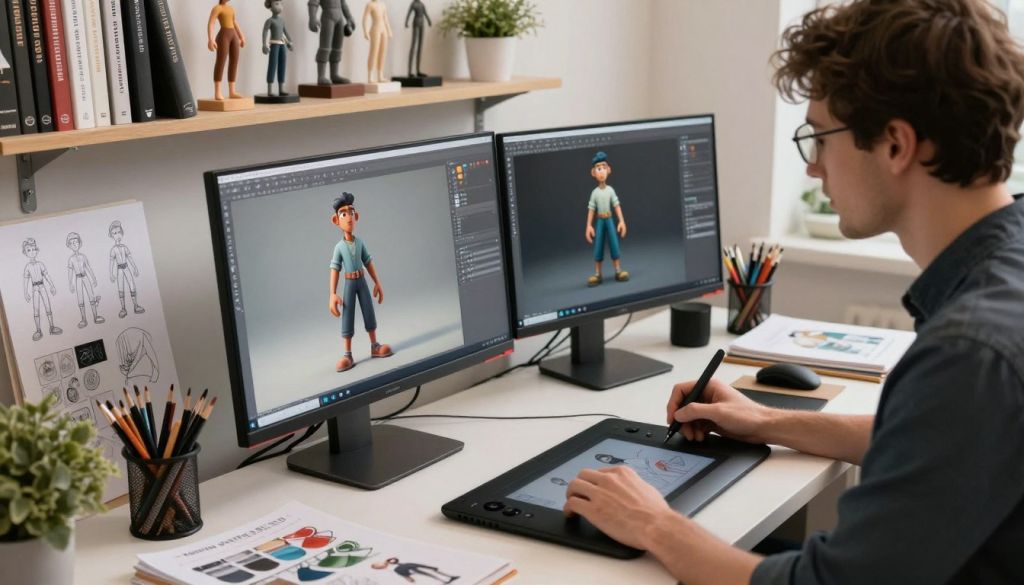
From Digital Concept to Physical Print
After generation, you get a production-ready model file. One credit equals one model, so plan credits for multiple variants.
You can refine outputs in your favorite software to tweak surfaces and style. Then download the file or order professional printing with optional hand-painted finishing.
- The tool supports selectable art styles to match your vision.
- Single-image input can yield complex assets with strong geometric accuracy.
- The process saves you time by converting 2D ideas into printable assets quickly.
| Format | Limit | Credit Rule |
|---|---|---|
| JPG / PNG / WebP | Max 20MB | 1 credit = 1 model |
| Delivery | Instant download / Print order | Optional hand-painted finish |
Key Features of Our Advanced AI Modeling
Get crisp, production-ready geometry that preserves tiny surface features for every project.
High Resolution Geometry
Our platform creates geometry at 1536³ Pro resolution so every detail stays sharp. You get clean edges and lifelike contours that hold up in review and print.
PBR Texture Integration
Apply 4K PBR-ready textures in one click. The system removes baked lighting and supplies neutral, production-ready textures for realistic materials and consistent art style across scenes.
Multi-Format Export Options
Export to FBX, GLB, OBJ, STL, or USDZ for broad compatibility. Workflows that include printing or direct import to software like Bambu Studio are fast and reliable.
The result: precise generation from a single reference image or text prompts, clean art assets, and high-quality results ready for production.
| Feature | Benefit | Formats / Notes |
|---|---|---|
| Resolution | Fine geometric detail for professional use | 1536³ Pro |
| Textures | Realistic materials, neutral lighting | 4K PBR, removable baked lighting |
| Export | Wide compatibility with printing and software | FBX, GLB, OBJ, STL, USDZ |
Ideal Use Cases for Custom NSFW Creations
Whether you want a one-off collectible or a refined art piece, custom production bridges the gap between idea and object.
Collectors can commission exclusive figurines that stand apart from mass-produced items. The service preserves unique detail and high quality for display or sale.
Artists and enthusiasts use the tool to explore bold concepts without long modeling time. You can test new styles and push your creativity faster than traditional workflows allow.
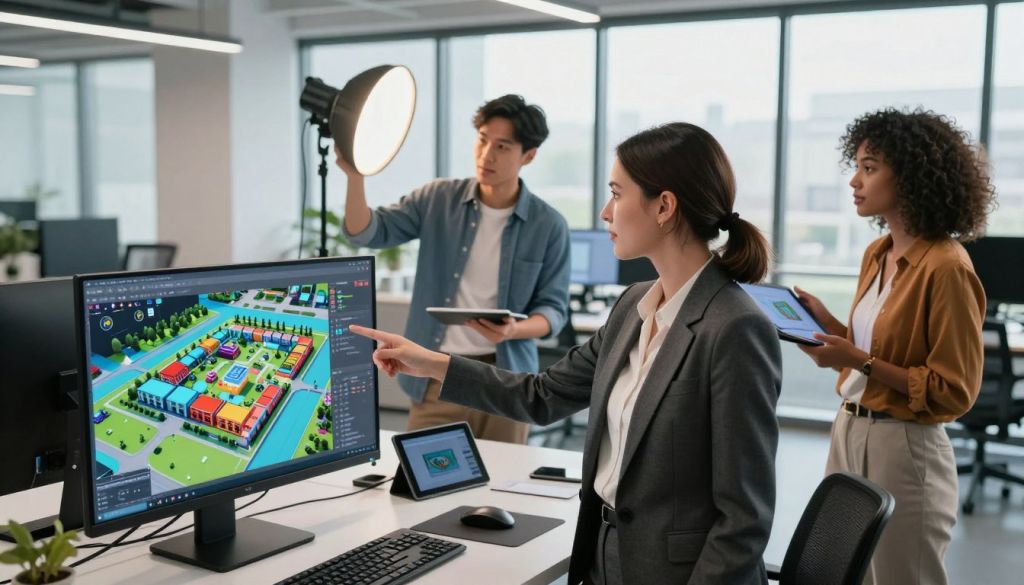
For users focused on printing or digital art, this platform converts your text and reference image prompts into production-ready results. You control detail, style, and finish in just a few steps.
- Create custom models images that match subtle or explicit tastes.
- Adjust detail level through simple prompts and reference inputs.
- Rely on the service whether you are a professional or a private creator.
| User | Use Case | Best Result |
|---|---|---|
| Collector | Exclusive figurine | High-quality, unique model |
| Artist | Concept testing | Fast, detailed creation |
| Hobbyist | Print-ready image | Reliable, customizable output |
“Turn private ideas into polished art and prints with a clear, intuitive process.”
Prioritizing Your Privacy and Data Security
We treat your creative files as private work, safeguarded from the moment you upload them.
Confidential Handling of Your Assets
Your models are private by default. Only you, the account holder, can view or download the files you generate. This default setting keeps your work out of public galleries and search indexes.
Your assets are stored behind access controls and encryption. Every image and model you upload is processed with industry-standard protections to keep data intact and confidential.
- Strict privacy rules ensure explicit creations are never shared or used for external analysis.
- Printing files remain protected so you decide who can view or print your work.
- We provide a secure tool for artists to create high-quality art with full control over distribution.
We respect the confidentiality of our users and maintain logging, role-based access, and secure backups to prevent unauthorized exposure.
| Protection | What It Means | Benefit |
|---|---|---|
| Default Privacy | Models and assets visible only to account holder | Full control over sharing |
| Secure Processing | Encrypted upload and storage of image and model files | Integrity and confidentiality |
| Print Safeguards | Access rules for printing and downloads | Protected distribution of physical products |
“Privacy is core to how we protect your creative work.”
Flexible Pricing Plans for Every Creator
Select the credit package that fits your workflow and keeps your production on budget.
Hobby — $3: Get 3 credits to try model generation and test ideas. This low-cost entry point helps you learn the process and create simple art assets quickly.
Enthusiast — $9: Enjoy 10 credits to refine your results and explore more detail. This tier suits users who iterate often and want steady progress without large upfront spend.
Pro — $15: Receive 20 credits for the best value. At about $0.75 per model, this plan is ideal when you need reliable quality and faster creation time.
- One credit equals one finished model — clear and transparent credit tracking.
- Use credits for generation from text or image prompts, then export assets to your software for printing or further work.
- Plans support game development, visual effects, custom printing, and other modeling workflows.
| Plan | Price | Credits |
|---|---|---|
| Hobby | $3 | 3 |
| Enthusiast | $9 | 10 |
| Pro | $15 | 20 |
Conclusion
Move from idea to print-ready file with a compact process that preserves geometry and texture.
Our generation tool, built for speed and fidelity, helps you produce high-quality art with consistent quality. You get fast results without sacrificing fine details.
Start with one clear image or a single reference, and the system converts that input into models and images suited for professional printing. The workflow keeps surface detail intact and simplifies export steps.
Join other users who rely on this tool to turn bold concepts into finished art. We protect your work, offer flexible plans, and support printing options that meet modern production needs.
FAQ
What is NSFWAI Plus 3D Mode and how can it help your projects?
NSFWAI Plus 3D Mode is a production tool that converts text prompts and reference photos into CGI-level adult imagery and 3D-ready assets. You can use it to speed up concepting, create photo-real stills, or generate geometry and textures for rendering, game prototyping, and print-ready art. It reduces time spent on modeling, shading, and texture painting so you can focus on composition, styling, and final output quality.
How does the generation process work when you upload reference images?
After you upload your reference images, the system analyzes composition, lighting, and key visual cues to build a digital concept. You provide prompts and optional style references, and the pipeline creates layered outputs: high-resolution renders, PBR textures, and geometric meshes. You receive assets optimized for rendering or further editing in tools such as Blender, Substance 3D, or Unreal Engine.
What image and model formats are supported for export?
The platform exports common formats used in production including OBJ, FBX for meshes, PNG/TIFF for baked texture maps, and GLTF for web or real-time use. You can also request layered PSDs for compositing and high-res TIFFs for fine-art prints. This helps you integrate assets smoothly into your existing pipeline or print service.
What level of geometry and detail can you expect from the models?
The system produces high-resolution geometry suitable for close-up renders and baking. You get clean topology for retopology workflows, sculpt-ready meshes for further detailing, and LOD variants for real-time use. Final mesh detail depends on your chosen plan and the reference fidelity you supply.
How are textures handled and what is PBR integration?
Textures are generated as physically based rendering (PBR) maps — albedo, roughness, metallic, normal, and ambient occlusion — so materials respond accurately under varied lighting. This ensures consistent results when you import assets into engines or renderers like V-Ray, Cycles, or Unreal Engine.
Can you use the results for physical printing or merchandise?
Yes. You receive high-resolution image outputs and export-ready geometry suitable for giclée prints, resin casting masters, or promotional merchandise. You should confirm print profile and color management requirements; we provide guidance for preparing files to match print labs or fabrication services.
What creative controls do you have over style, poses, and composition?
You control style via descriptive prompts and reference images. The interface supports mood boards, pose references, and specific camera or lens settings. You can request iterative revisions to refine expression, lighting, and framing until the composition meets your brief.
How long does it take to generate assets and images?
Turnaround depends on asset complexity and your subscription tier. Basic still renders can complete in minutes to hours; full model + PBR texture packages typically take several hours. Expedited delivery is available on higher plans or via credit-based priority processing.
How are your uploaded reference images and generated assets protected?
Your privacy is handled with end-to-end measures: secure uploads over TLS, encrypted storage, and access controls. You retain ownership of your uploaded references and the generated outputs per our terms. For sensitive projects, you can request confidential handling and private project storage.
What license and usage rights do you get for created images and models?
Generated works come with a commercial license allowing use in personal projects, client work, prints, and digital distribution, consistent with the service terms. Check the specific plan for redistribution, reselling, or model-pack licensing options before publishing.
How does pricing work and what payment models are available?
Pricing is flexible: subscription tiers, pay-per-credit options, and enterprise plans are available. Subscriptions include monthly credits for renders, model exports, and priority processing. Pay-as-you-go credits let you purchase only what you need. Enterprise customers can arrange custom SLAs and billing.
Can you integrate the service into your existing software pipeline?
Yes. The platform offers API access and supports common file formats for seamless integration with Blender, Adobe Photoshop, Autodesk Maya, and game engines. You can automate batch generation, receive webhooks, and import assets directly into your project folders.
What creative and ethical guidelines should you follow when requesting content?
You must comply with applicable laws and platform policies. Avoid requests that infringe on copyrights, privacy rights, or create exploitative content. We provide guidance on allowed subject matter and can flag questionable prompts for review to ensure safe, professional use.
Are there sample prompts or best practices to get the best results?
Yes. Use concise, layered prompts: start with subject and style, add lighting and camera details, then include desired material or texture keywords. Supply clear reference images and specify output format. Iterative feedback and version notes help the system converge on your vision faster.
What tools and software are recommended to edit and refine the assets you receive?
For mesh edits and sculpting, use Blender, ZBrush, or Autodesk Maya. For texture editing, Substance 3D Painter, Adobe Photoshop, and Affinity Photo work well. For layout and final composition, use DaVinci Resolve, Adobe Lightroom, or Photoshop. These tools ensure high-quality post-processing and printing readiness.
Can you request model variations or custom poses after initial delivery?
Yes. Most plans include revision rounds or credit-based reworks. You can request pose alterations, expression tweaks, and material swaps. For major redesigns, extra credits or a new ticket may be required depending on the scope of work.
What should you provide to get the highest fidelity results?
Provide high-resolution reference images, clear style references, and explicit output requirements (formats, resolution, intended use). The more precise your brief — including camera angles, material references, and mood — the better the final asset fidelity and rendering accuracy.